Standard Controls for MK 11, played on Xbox or Microsoft based systems.
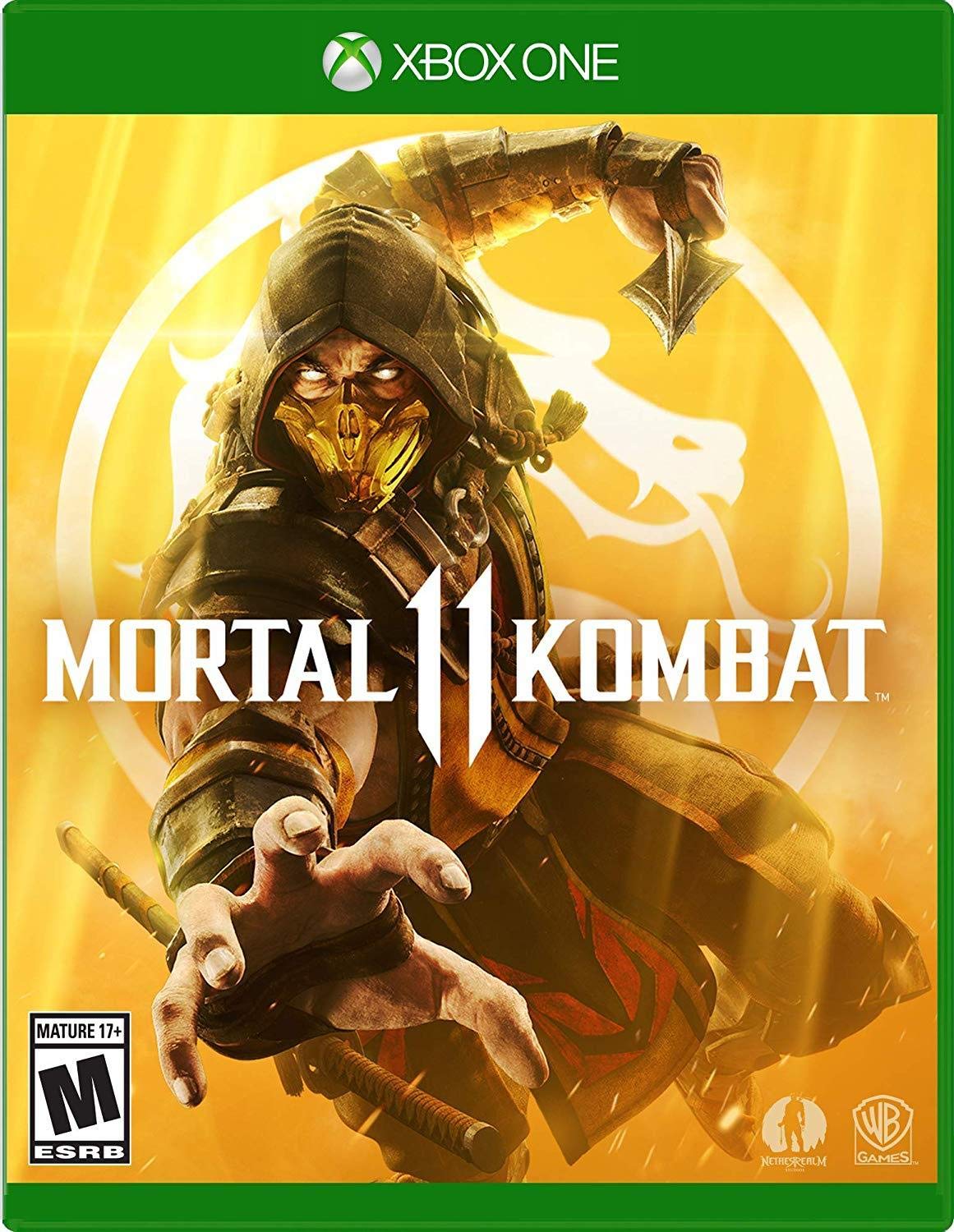
Mortal Kombat 11" is a popular fighting video game developed by NetherRealm Studios and published by Warner Bros. Interactive Entertainment. It's part of the long-running "Mortal Kombat" series known for its brutal combat, unique characters, and over-the-top finishing moves called "Fatalities." The game features a diverse roster of fighters, each with their own special moves and abilities, and it's known for its engaging single-player story mode as well as its competitive multiplayer gameplay
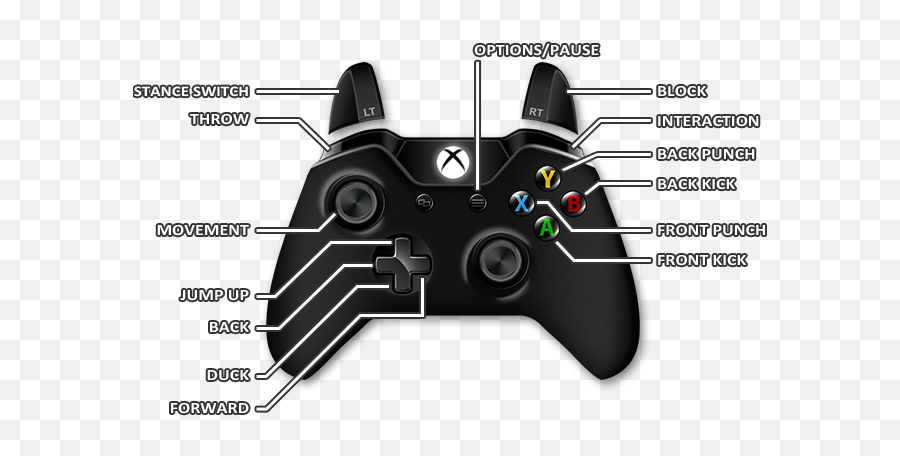
In "Mortal Kombat 11" on Xbox, the basic controls typically follow a standard configuration:
Moving: Use the left analog stick or directional pad.
Block: Press and hold the left trigger (LT).
Front Punch: Press the X button.
Back Punch: Press the Y button.
Front Kick: Press the A button.
Back Kick: Press the B button.
Interact: Press the right bumper (RB).
Throw: Press the left bumper (LB).
Switch Stance: Press the right trigger (RT).
Amplify/Interact/Environment Attack: Press the right trigger (RT) in combination with other buttons.
Remember, these controls might slightly vary based on your chosen controller layout or settings within the game. It's a good idea to check the in-game controls menu for precise information.
In "Mortal Kombat 11," controls play a pivotal role as they dictate how players engage within the game. These controls determine move execution, combos, defensive strategies, and character-specific abilities. Mastering these inputs is essential for executing devastating attacks, defending effectively, and learning each character's unique moveset. Precise control execution not only influences competitive play but also enhances the overall gaming experience, making the gameplay more immersive and enjoyable.